Proxmox Homelab
Self-hosted infrastructure running Nextcloud, Immich, and this portfolio — with documented backup strategies.
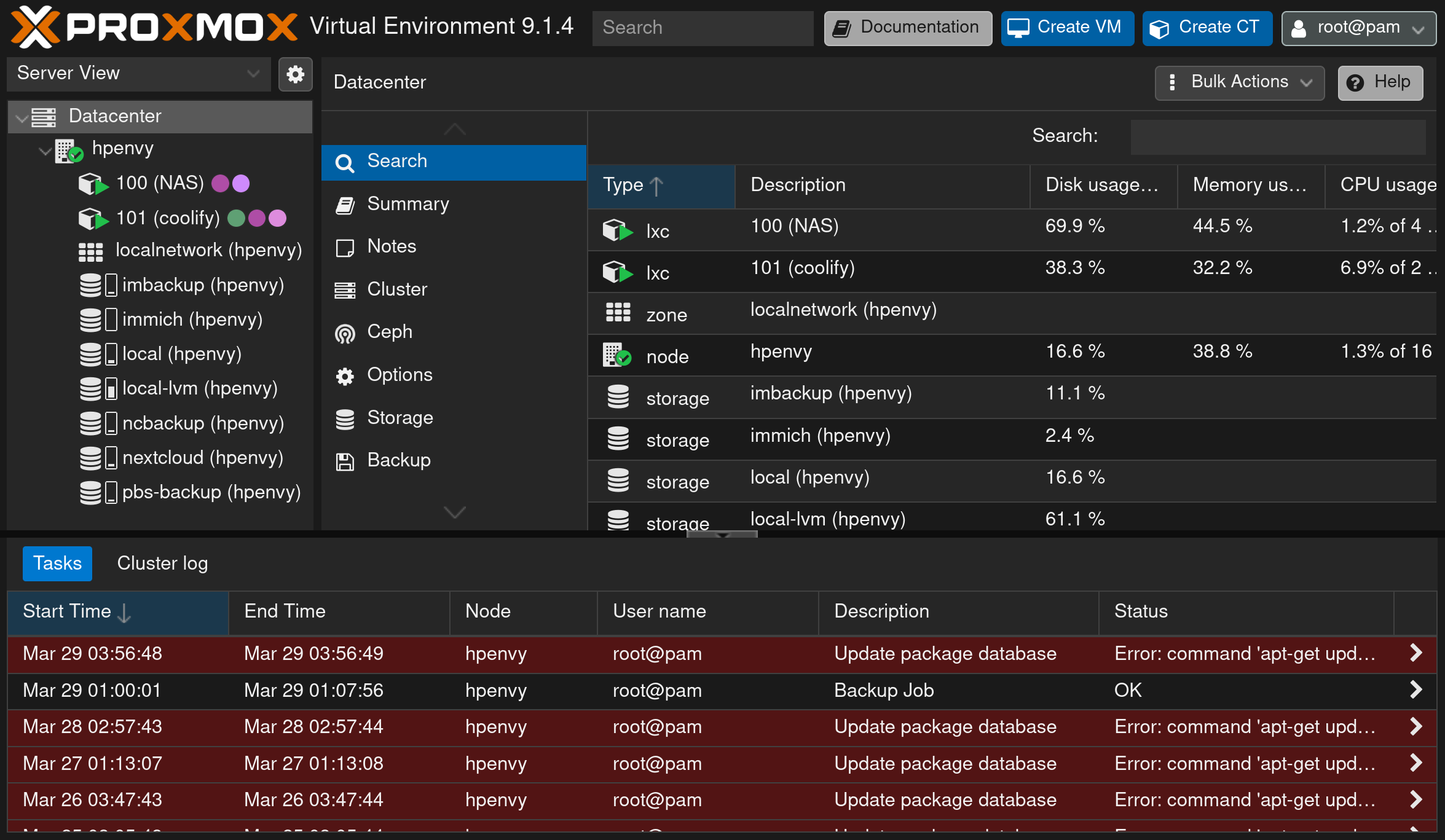
Problem & user context
Cloud storage, photo backup, and web hosting subscriptions add up — and hand your data to someone else. The goal: replace them with self-hosted services that are reliable enough for daily family use, and treat the whole thing as a production environment with real ops discipline.
Constraints & tradeoffs
- Reliability over novelty. Family photos live here — every service needs a tested backup and restore path, not just an install.
- One box, many services. Proxmox virtualization isolates workloads (VMs/LXC) so one misbehaving service can’t take down the rest.
- Documented, not tribal. Operational runbooks, password management procedures, and workflow docs so maintenance doesn’t depend on memory.
Architecture
Internet ──► Router / firewall ──► Nginx reverse proxy (TLS)
                                        │
                              Proxmox VE host
                              ├── Nextcloud (files, calendar)
                              ├── Immich (photo backup)
                              ├── Web hosting (this site, rps.papatenko.org)
                              └── Backup jobs ── rsync + Backrest ──► offsite/secondary storage
Results & lessons
- Replaced multiple paid cloud subscriptions with self-hosted equivalents.
- Survived real restore scenarios thanks to tested rsync + Backrest strategies.
- Lesson: backups you haven’t restored from are hopes, not backups — troubleshooting Backrest behavior before an emergency made the difference.